Discover how to elevate your cycling experience by leveraging the power of Strava’s platform to monitor every pedal stroke, route choice, and workout session. Tracking your rides with precision not only fuels motivation but also delivers actionable insights into your fitness journey. Whether you’re an occasional weekend rider or an experienced racer pursuing podium finishes, mastering Strava’s tools can transform your approach to training, competition, and camaraderie.
Setting Up Strava and Your Cycling Devices
Downloading the App and Creating Your Profile
Begin by installing the Strava mobile application on iOS or Android, or by visiting the official website on your desktop. Sign up using your email address or connect with social accounts for quick access. Fill in essential details such as rider category, preferred disciplines, and bike types to personalize your experience. A well-crafted profile helps you track achievements and share them with the wider community.
Pairing Sensors and GPS Devices
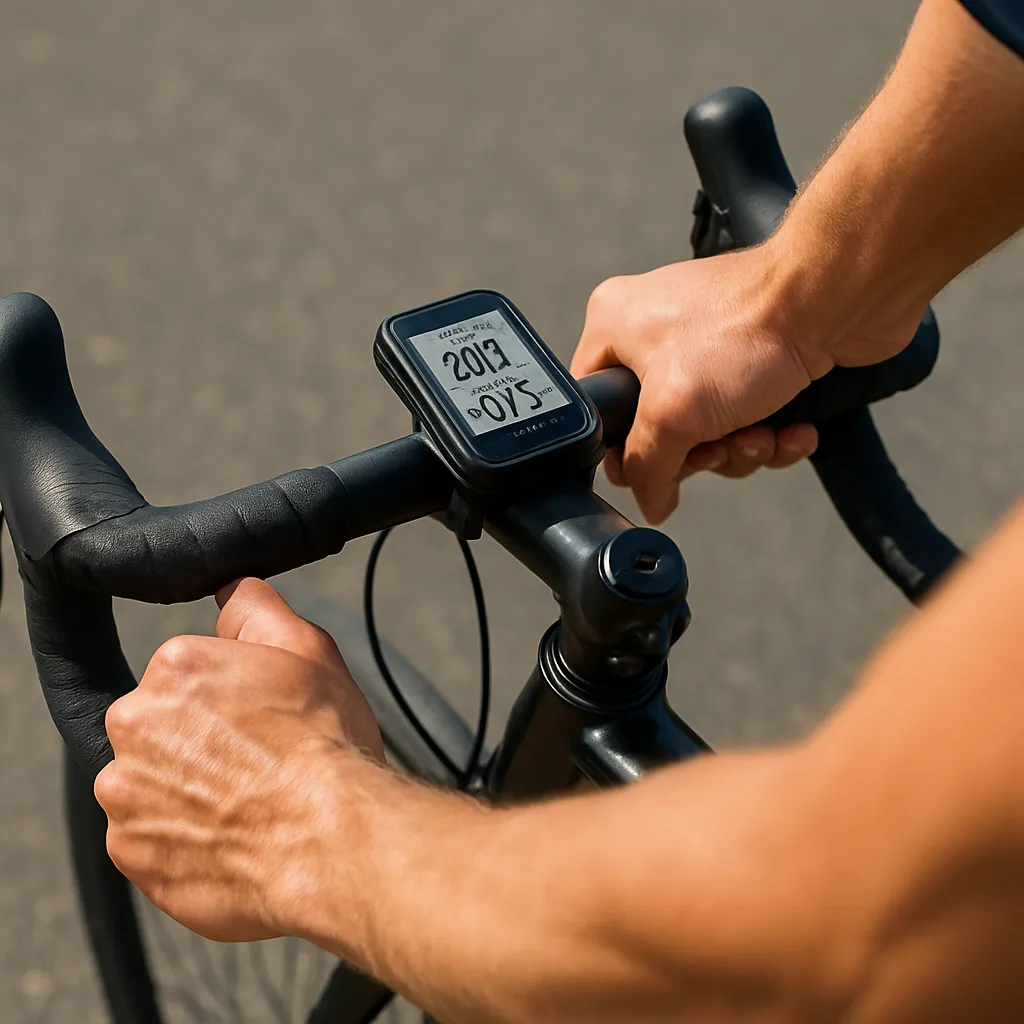
To capture accurate speed, distance, and elevation data, link external sensors such as power meters, heart rate monitors, cadence sensors, and dedicated GPS head units. Navigate to Settings > Applications, Services, and Devices in the app or website, then select your device from the list. Calibration routines for power meters and zero-offset checks for power sensors ensure your data remains reliable across all rides.
Tracking and Collecting In-Depth Cycling Data
Recording Rides and Saving Activities
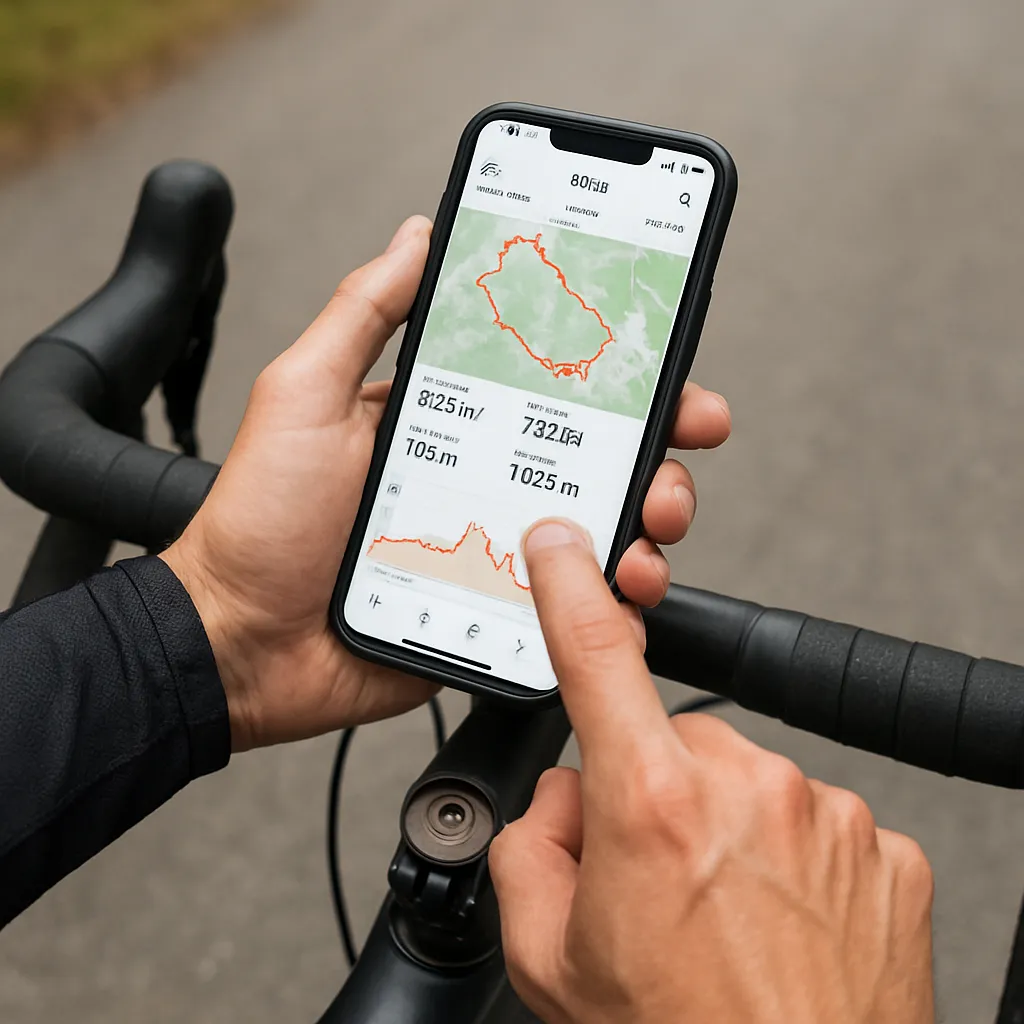
Launch the Strava app before hitting the road. Tap the record button, choose “Ride,” and allow GPS to lock signal. A live display of speed, elapsed time, and distance keeps you informed mid-ride. Once you finish, save your activity and add custom details like bike used, route name, and ride description. Tag teammates or training partners to foster accountability and acknowledge shared progress.
Understanding Core Metrics
Strava offers a suite of metrics that go beyond average speed and distance. Explore parameters such as normalized power (NP), intensity factor (IF), and training stress score (TSS) when using power-based sensors. Heart rate zones reveal your cardiovascular response, while cadence data can guide your pedaling efficiency. Reviewing elevation gain and grade assists in selecting future routes tailored to climbing or flat-terrain objectives.
Analyzing Your Ride Data for Better Performance
Exploring Segments and Local Leaderboards
One of Strava’s signature features is its segment system: user-generated portions of road or trail where riders compete for the fastest times. Tackling local segments not only spices up routine rides but also benchmarks your abilities against fellow cyclists. Analyze the leaderboard to identify where seconds can be shaved off time, whether it’s refining your cornering technique or pacing a long climb.
Using Monthly Challenges and Goals
Strava regularly hosts challenges such as “Longest Distance,” “Most Elevation,” and themed events. By opting in, you can unlock digital badges and rewards that display on your profile. Additionally, set personal mileage or elevation goals for weekly, monthly, or annual periods. Checking progress bars in the app fosters motivation and reminds you to stay consistent with training sessions.
Engaging with the Strava Community
Sharing Routes and Ride Photos
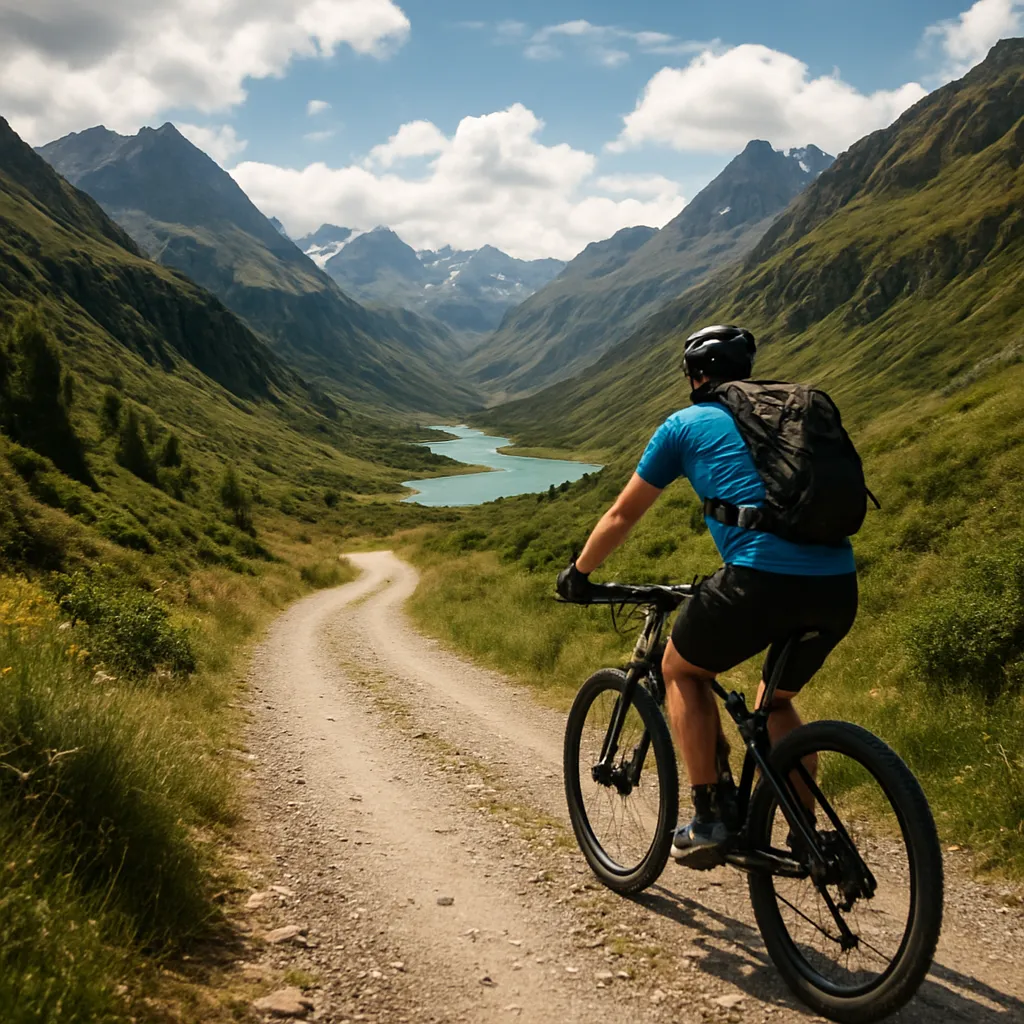
Document each ride with photos, route maps, and notes on weather or terrain conditions. Strava’s feed allows followers to react with “kudos” and comments, creating a supportive environment. Highlight epic vistas or challenging climbs in your posts, and sprinkle in insights about how you tackled tough segments. Engaging visually encourages interaction and can inspire others to explore new roads.
Joining Clubs and Friendly Competitions
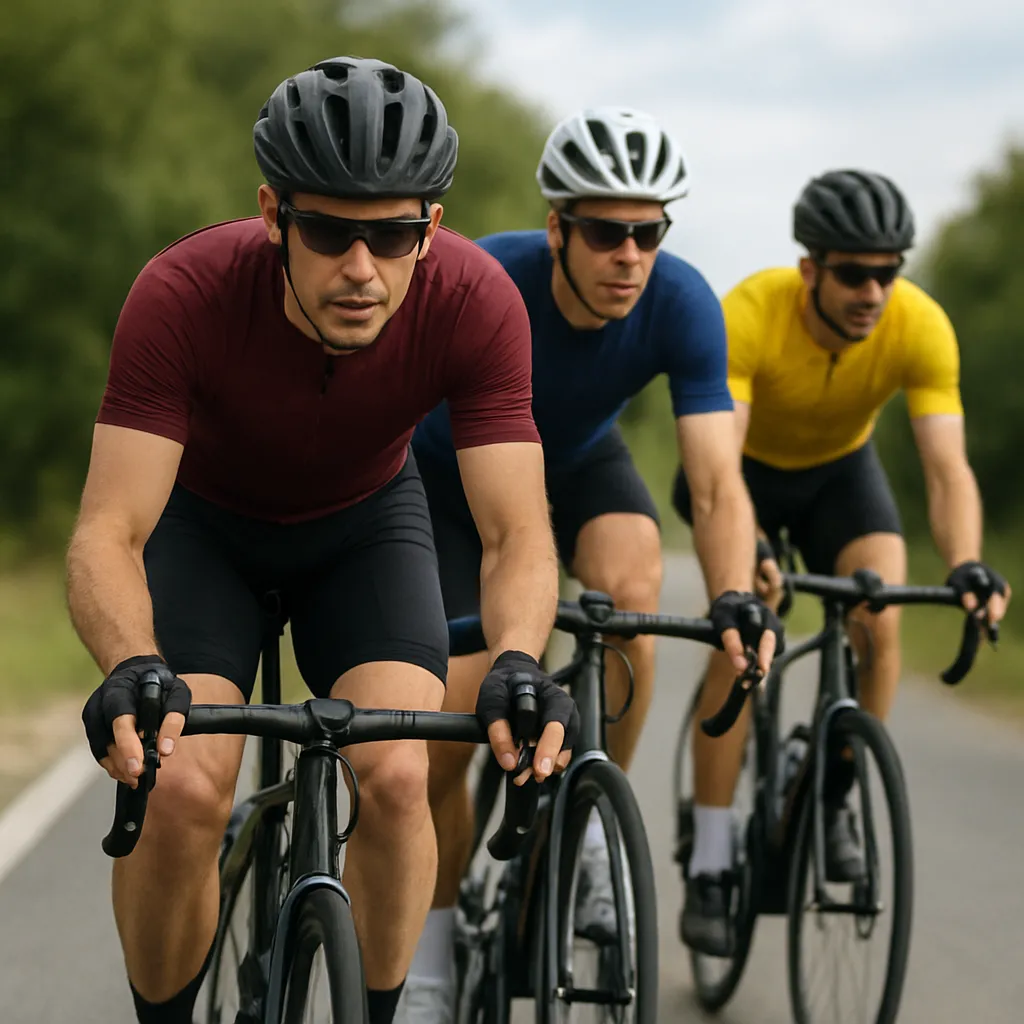
Search for local or interest-based clubs—such as gravel grinders, commuter cyclists, or triathlon-focused groups—and request to join. Club pages host group events, group rides, and internal leaderboards, making structured gatherings easy to organize. Friendly competitions within clubs, like weekly sprint contests or KOM/QOM battles, hone your competitive edge while building bonds among participants.
Advanced Techniques for Serious Cyclists
Integrating Third-Party Analytics Tools
For deeper analysis, export your ride data as FIT, TCX, or GPX files. Import these files into platforms like TrainingPeaks, Golden Cheetah, or Today’s Plan to access intricate graphs of power curves, fatigue trends, and recovery metrics. These specialized services deliver advanced analytics that complement Strava’s offerings, providing actionable guidance on training loads and rest periods.
Customizing Your Training Plan
Leverage Strava’s workout builder or connect with a coach to design personalized training blocks. Whether aiming for a century ride or improving sprint power, structure sessions that target specific energy systems. Create intervals with precise durations, recovery times, and intensity levels. By logging completed workouts, you can compare intended training with actual performance, refining future sessions based on historical data.
Maintaining Momentum and Celebrating Milestones
Keep your motivation high by periodically reviewing long-term charts in the Strava dashboard. Watch as cumulative mileage, elevation, and time in zone graphs climb steadily. Use the “Year in Sport” feature to commemorate your top moments and share highlights with friends. Recognizing each plateau you surpass strengthens commitment to continuous improvement and makes every ride a stepping stone toward new achievements.